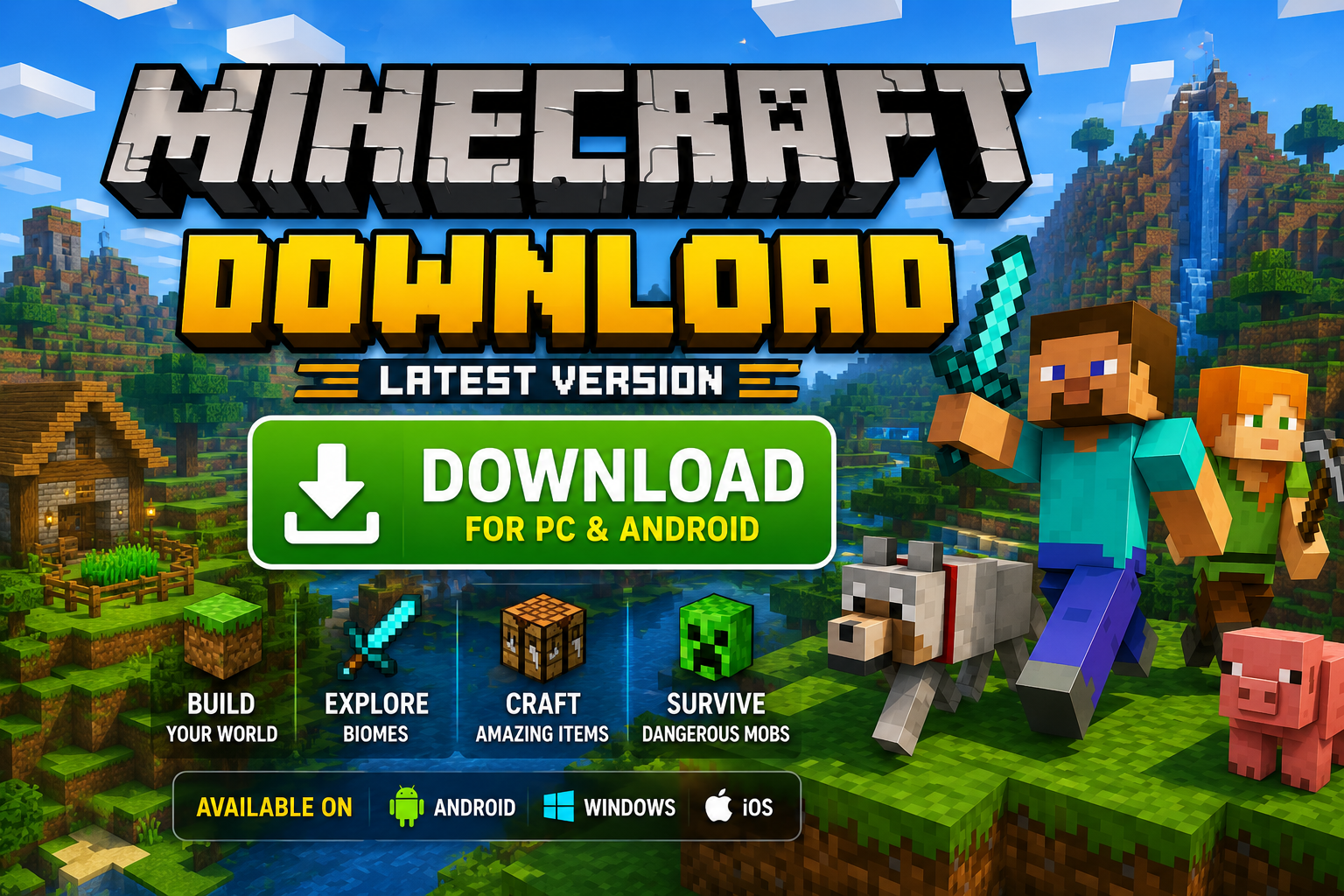
Are you looking for the best ways to complete a minecraft skins shaders mods download to transform your block world visually? While the base game is already enjoyable, installing custom community content allows you to redesign character appearances, add realistic lighting, and introduce new gameplay features.
With a minecraft skins shaders mods download, you can turn blocky graphics into breathtaking cinematic landscapes featuring realistic water reflections, dynamic shadows, and HD textures. Furthermore, adding mods expands your crafting options, adds new mobs, and creates endless custom adventures.
In this complete 2026 guide, you will learn how to download verified skins, set up custom shaders, and install game-changing mods safely on both PC and mobile devices.
Understanding Skins, Shaders, and Mods
Before starting your download process, understanding the difference between these three custom modifications helps you pick the right enhancements for your system.
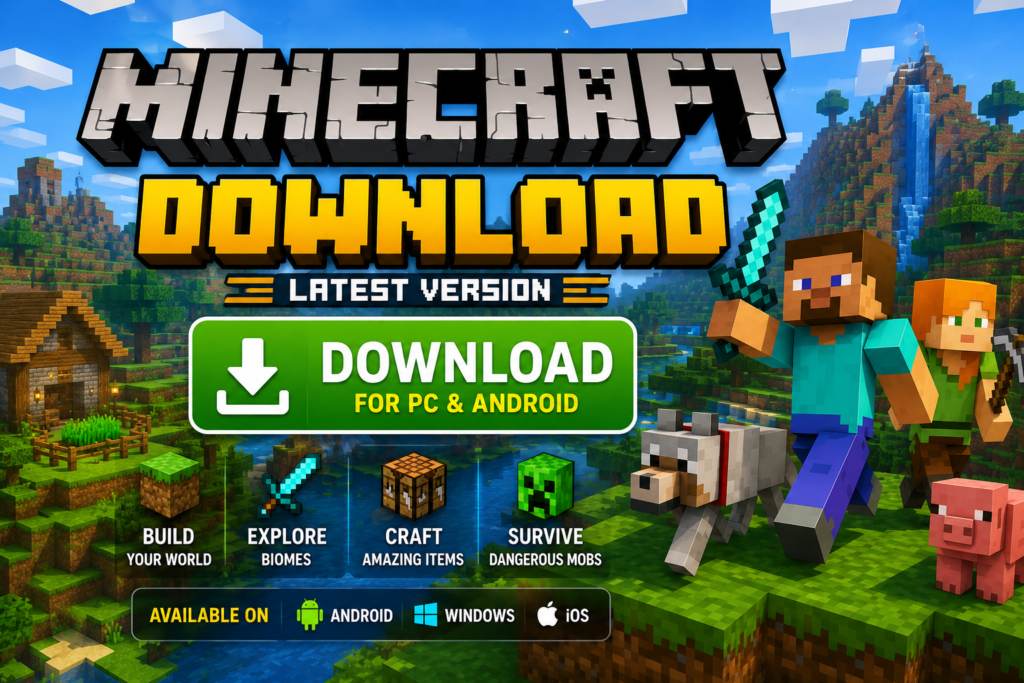
- Minecraft Skins: Visual texture maps that change the external appearance of your in-game player character.
- Minecraft Shaders: Advanced graphics packs that upgrade ambient lighting, cloud effects, water wave animations, and leaf motion.
- Minecraft Mods: Code modifications that add new items, crafting tools, monsters, biomes, and unique gameplay mechanics.
Top Popular Shaders and Mods for Minecraft (2026)
Choosing lightweight and well-optimized modifications keeps your game running smoothly without lag spikes. Here are top-rated choices tested by millions of players:
| Custom Content Category | Recommended Name | Primary Visual/Gameplay Feature | Hardware Target |
| Realistic Shader | BSL Shaders | Soft lighting, volumetric fog, realistic water | Mid-to-High PC |
| FPS Boost Shader | Chocapic13′ Lite | Clean shadows, vibrant colors, lightweight code | Low-End PC / Mobile |
| Optimization Mod | Sodium / OptiFine | Significant FPS boost, video settings control | All Systems |
| Magic Gameplay Mod | Thaumcraft | Magic spells, secret research, custom items | Mid-Range PC |
| Biomes Mod | Biomes o’ Plenty | 80+ new biomes, unique trees, custom flowers | Mid-to-High PC |
How to Install Custom Minecraft Skins
Changing your character appearance takes less than two minutes on mobile and desktop platforms.
- Download a custom
.pngskin template file from a trusted community showcase site. - Launch your official Minecraft application.
- Select the Dressing Room or Skins tab on the main menu.
- Click Classic Skins and choose Choose New Skin or Edit Character.
- Select your downloaded
.pngimage file from your device photo gallery. - Confirm the slim or classic arm model size to apply your new character look!
Step-by-Step Minecraft Shaders & Mods Setup Guide
Because shaders and mods modify rendering code, installing a dedicated mod loader is necessary first.
Method 1: Installing Shaders on PC (OptiFine or Iris)
- Download and install OptiFine or Iris Shader Loader compatible with your game version.
- Download your favorite shader pack zip file (do not extract the
.zipfile). - Open your game, navigate to Options > Video Settings > Shaders.
- Click Shaders Folder at the bottom corner to open your system directory.
- Paste your downloaded shader
.zipfile inside this opened folder. - Return to your game screen, select the shader name, and enjoy enhanced graphics!
Method 2: Installing Mods Using Forge or Fabric
- Download and run the setup installer for Minecraft Forge or Fabric.
- Select Install Client and click OK.
- Download compatible
.jarmod files to your desktop setup. - Press
Windows Key + R, type%appdata%\.minecraft, and press Enter. - Open the mods folder inside your directory (create one if missing).
- Drag and drop your downloaded
.jarfiles into the mods folder and launch your game profile!
Performance Tuning Tips for Smooth Gameplay
Running heavy shaders and modpacks can lower your frame rates on budget computers. Apply these settings adjustments to maintain stable FPS:
- Lower your shader rendering resolution scale to 0.75x or 1.0x inside video settings.
- Turn off high-demanding shadow features like Volumetric Clouds and Motion Blur.
- Allocate at least 6 GB of system RAM memory to your modded game launcher profile.
- Use lightweight optimization mods like Sodium, Lithium, or FerriteCore alongside your modpacks.
Frequently Asked Questions (FAQs)
1. Is minecraft skins shaders mods download completely free?
Yes, community-made skins, shaders, and mods hosted on open platforms are free to download and use.
2. Can shaders cause lag on low-end laptops?
Yes, complex shaders strain graphics cards heavily. Choose lightweight packs like Chocapic13′ Lite or Tea Shaders for budget devices.
3. What is the difference between Minecraft Forge and Fabric?
Forge is a traditional mod loader supporting heavy modpacks, while Fabric is a modern, lightweight mod loader designed for high performance and fast updates.
4. Can I use shaders on Minecraft Bedrock Mobile Edition?
Yes, mobile players can install custom .mcpack render dragon shaders through their file manager settings.
5. Will installing mods corrupt my saved world files?
Installing or removing mods without backing up your game directory can cause missing blocks or crash errors. Always create a backup copy of your world first.
6. Where can I find verified custom Minecraft skins?
You can find thousands of free custom skins on community platforms like NameMC or PlanetMinecraft.
7. How much system RAM is required for heavy modpacks?
Running modpacks with 100+ mods smoothly requires allocating 6 GB to 8 GB of system RAM memory inside launcher settings.
8. What is OptiFine and why is it recommended?
OptiFine is an optimization tool that boosts FPS, adds dynamic lighting support, and enables shader folder options inside video settings.
9. Can I play on multiplayer servers with custom shaders active?
Yes, graphic shaders run locally on your client system, so you can join any public or private multiplayer server without getting kicked.
10. How do I fix a game crash error after installing a new mod?
Check your crash log report. Game crashes usually happen when a downloaded mod requires a different game version or a missing dependency library.
Conclusion
Completing a minecraft skins shaders mods download is the single best way to personalize your block-building adventures. Whether you want to dress up your character in custom skins, enjoy realistic lighting with shaders, or discover brand-new biomes using mods, community modifications offer unlimited possibilities.